80 Frp Apps Waqas Mobile | Pro & Easy
If you’re looking to write about mobile security or legitimate uses of FRP, I’d be glad to help draft a feature on ethical security testing, responsible device ownership, or how FRP protects users. Let me know how you’d like to proceed.
to your preferred trusted mobile file hosting site or search for Waqas Mobile resources.
If you meant something else by that phrase (e.g., a specific YouTube video, a list of 80 apps, or a person’s name), please provide more context, and I’ll be happy to write a more targeted essay. 80 frp apps waqas mobile
However, for the average user or a repair technician just starting out, the significant risks of malware, outdated methods, and the potential to permanently damage a device make this collection a dangerous choice. The world of Android security has evolved rapidly. Relying on modern, updated, and legitimate software is almost always a smarter, safer, and more effective path to regaining access to your locked Android smartphone.
Delete the current APK file. Download a dedicated Android 8.0/8.1 GAM variant instead. If you’re looking to write about mobile security
Once online, the technician navigates to the curated Waqas Mobile download page containing the 80 FRP apps library.
Skip the remaining fingerprint or security lock configurations until you reach the primary home screen. If you meant something else by that phrase (e
The collection is a fascinating artifact from a time when FRP bypass was a Wild West of independent developers creating niche solutions. It represents a valuable resource for experienced mobile technicians who work primarily with older Android devices and understand the risks involved. For them, it’s a convenient all-in-one toolbox.
Larger background application frameworks commonly deployed on devices running Android 7 through 9. These tools register themselves as a global mock device administration layer, overriding default credential validation checkpoints and facilitating account registration without triggering the native setup wizard's block.
Walk back through the initial device configuration assistant while remaining connected to a stable Wi-Fi network.









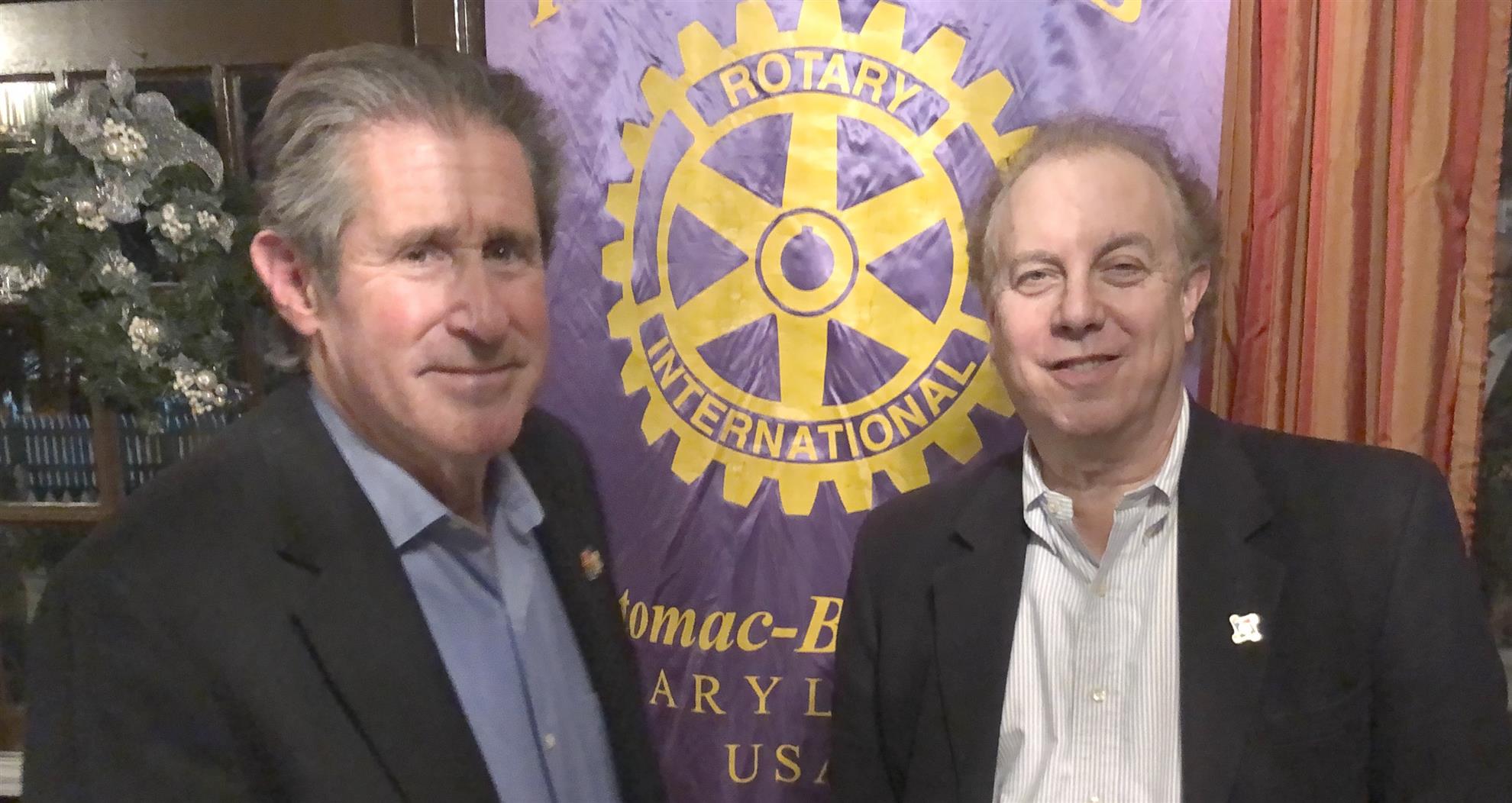



















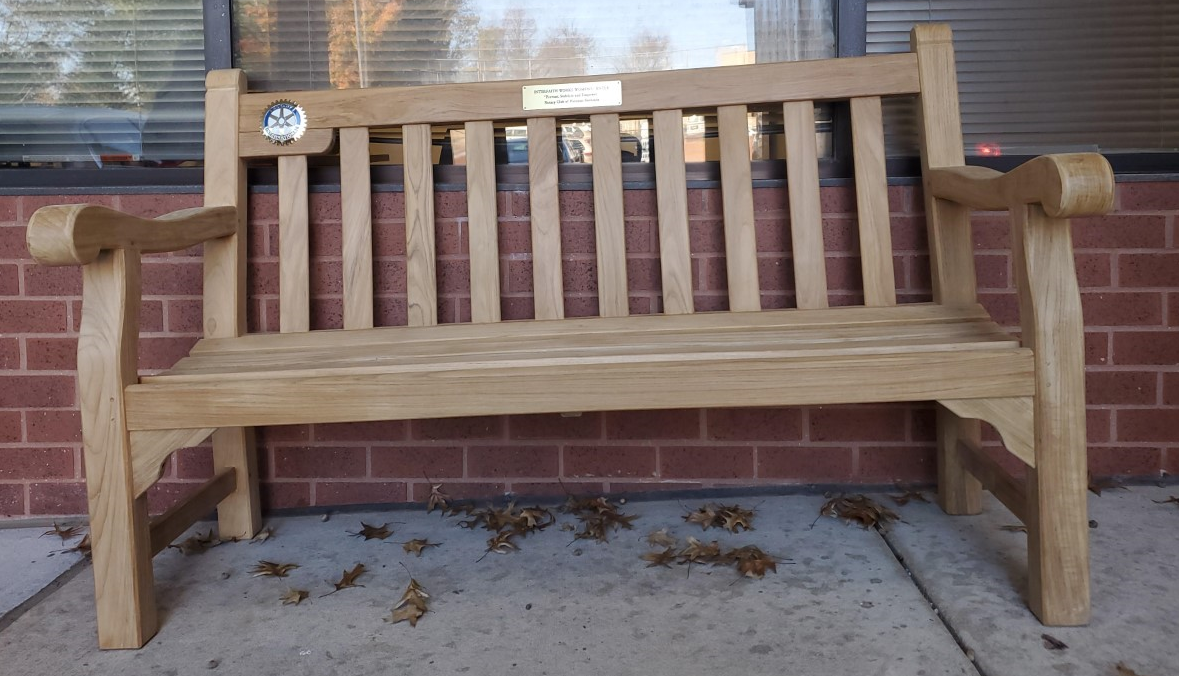
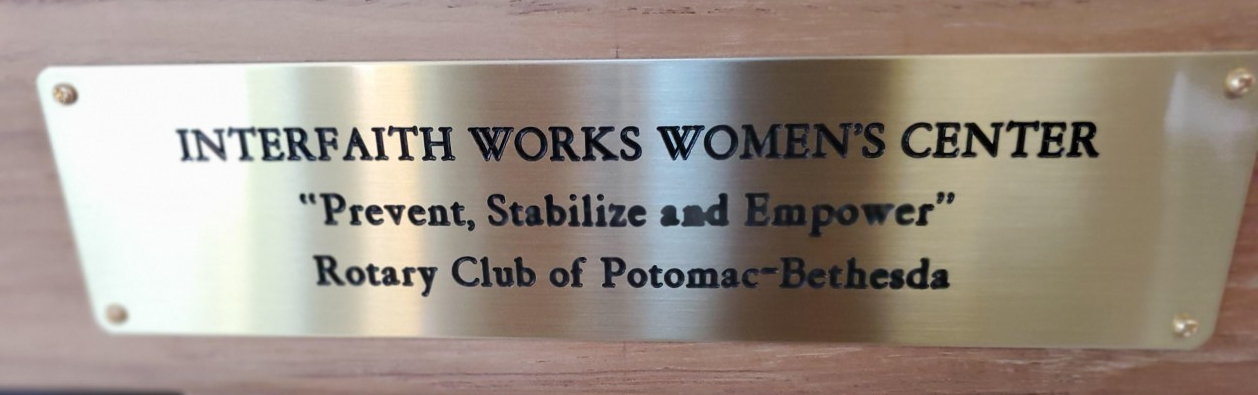


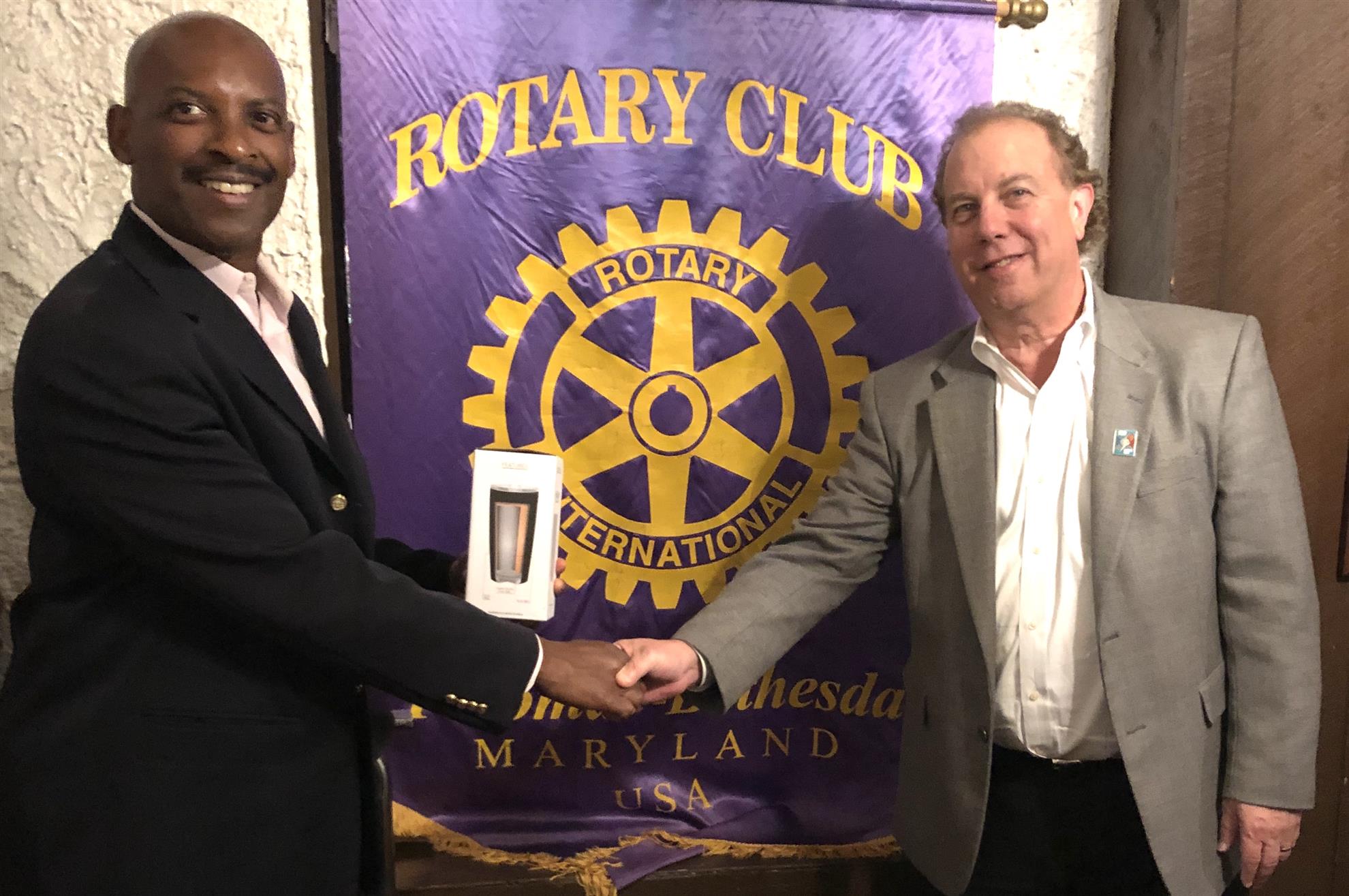




















 There are Paul Harris (PH) credits available for members to make up the $1000 donation required. It works this way: If you pay half of the amount you need for a PH fellowship, then the club will use available credits to make up the balance. So for instance say you already have
 PH credits amounting to $ 600. If you donate another $200, then the club will match your amount with some of those credits bringing the total to $ 1000 and bringing you a PH fellowship! And Rotary benefits, too!